Open a project
Open a project
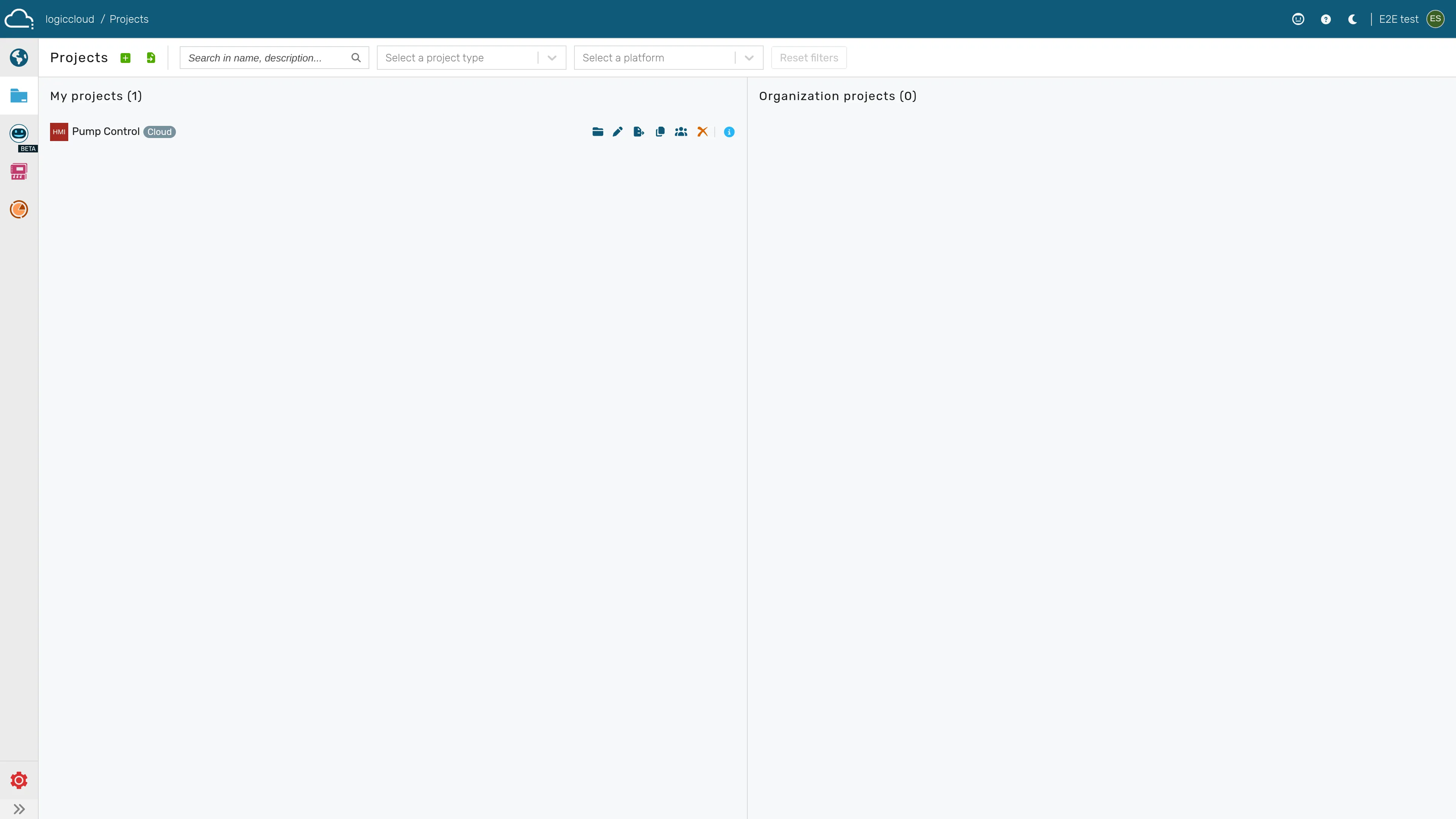
Section titled “Open a project”The project list shows one card per project. The card itself is the primary open affordance — clicking anywhere on the card opens the project in the IDE workspace.
Open a project
Section titled “Open a project”- Navigate to Projects.
- Click anywhere on the card of the project you want to open.
- The project opens in the IDE workspace.
Project details on the card
Section titled “Project details on the card”Each project card always displays the project’s details directly — there is no expand/collapse step:
- Description (falls back to a generated summary of the language and platform when no description is set)
- Last modified (timestamp and the user who made the change)
- Created by (creation timestamp and the user who created the project)
The information icon on the card is purely decorative and does not toggle these details — they are shown at all times.