

Licensing reports and dashboards
logiccloud stores every generated license key and the live usage that consumes it. Superadmins can review consumption interactively in the cloud portal, or schedule Excel reports by email for finance and capacity planning.
The superadmin Reports page lets you review license usage and schedule Excel reports:
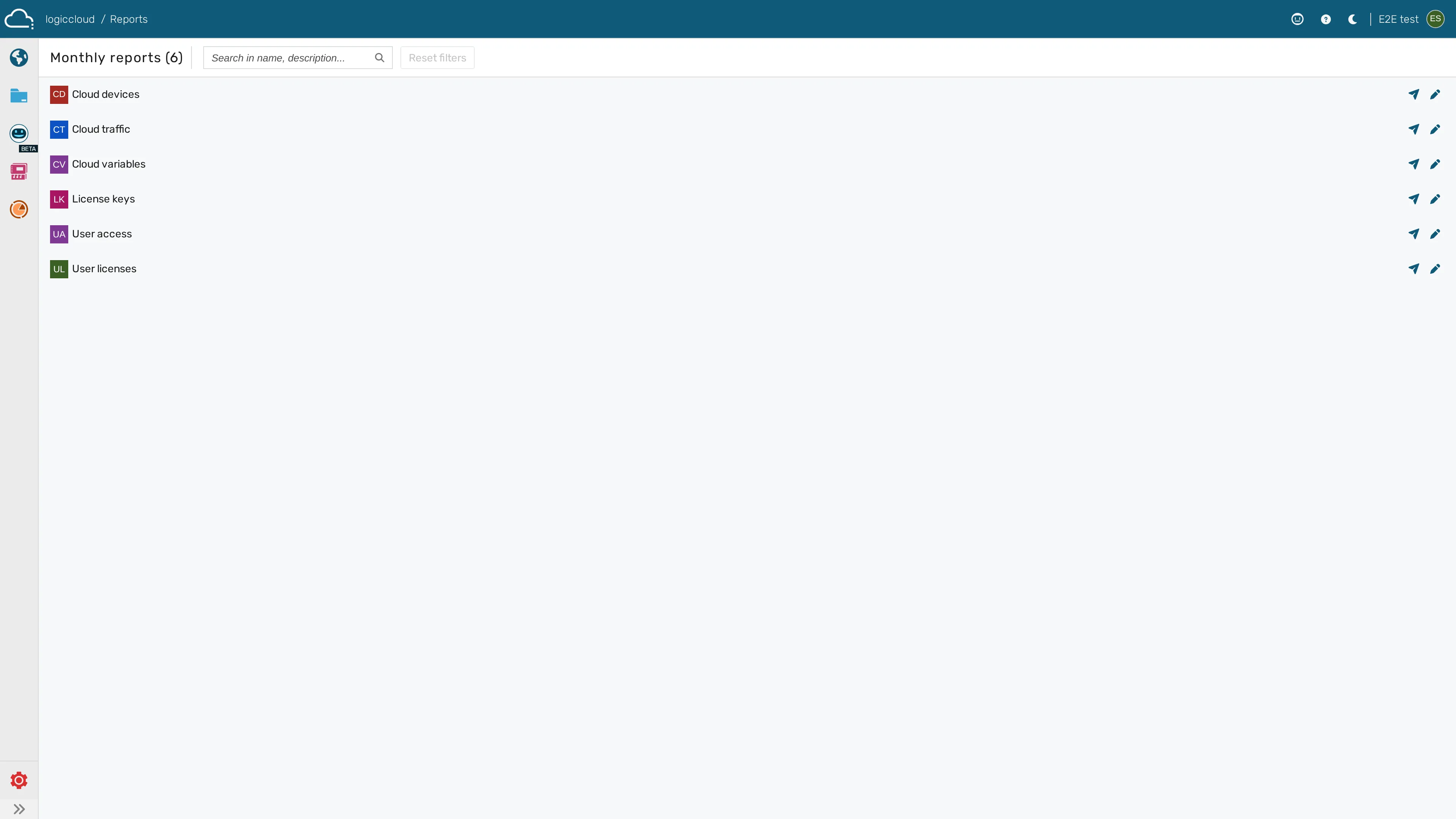
Review live license usage
Section titled “Review live license usage”- Sign in to the logiccloud portal with a Superadmin account.
- Open the Organization manager (
/portal/general/organizationManager), where each organization exposes its license keys and usage. - The license keys view lists every generated key, grouped by organization, with its product, feature set, key count, and current usage.
- Use the filter controls to narrow by organization, product, or feature.
- Select a key to see the devices and users consuming it.
Inspect license counts and tag usage
Section titled “Inspect license counts and tag usage”The overview dashboard shows:
- License counts, grouped by product, feature, and key count.
- logiccloud 365 tag count per organization and per device.
- Transaction count per device.
- HMI licenses consumed.
- User count per organization.
The data-traffic dashboard presents three fixed time windows — Today’s data traffic (hourly), Last month’s data traffic (daily), and Last year’s data traffic (monthly). There is no free-form/custom range selector.
Schedule an Excel email report
Section titled “Schedule an Excel email report”- Open the Reports page (
/portal/general/reports). - Start a new report configuration.
- Enter a Report name, an optional Report description, and one or more Recipient emails (
sales@logiccloud.deis always included automatically). - Save the configuration.
- The report is delivered automatically once a month (on the first of the month) as an Excel workbook (
.xlsx). You can also trigger an immediate send from a configuration’s Send report action.